


When I first started paying attention to the way my own home office was put together — no proper office chair, a laptop precariously balanced on a stack of books, and that awful corner of the living room where the morning light hit the screen just wrong — I didn’t realise how much those details were shaping my day. It was incremental: a throb in the neck by mid-morning that I ignored, the way my eyes seemed bleary by three o’clock, and a creeping sense that the “home” in home office was working against me, not for me.
A functional home workspace doesn’t materialise out of thin air. It grows from a series of small, intentional decisions about where things go, how your body can be supported, and how your mind can stay on task. A desk by a window might seem like a luxury, but the lift that natural light gives your focus can be borderline miraculous on grey British mornings. Positioning that desk so the sun doesn’t glare on your screen — rather than bathing your keyboard in a wash of white light — is its own kind of craft.
Ergonomics — a term that gets bandied about at conferences and in company wellness guides — really means paying attention to how your workspace interacts with your body. Sit too low, or too high. Twist your neck to see your laptop screen. Reach forward for a mouse every hour. Over weeks, these tiny tensions accumulate. An adjustable chair with good lumbar support and a desk at the right height are not luxuries. They are the foundation of a workspace that doesn’t fight you with every email, spreadsheet, and Zoom call.
Setting up that foundation usually starts with where you choose to work. In larger homes, that might mean carving out a spare bedroom or a nook beneath the stairs; in smaller ones, it might mean negotiating a dedicated corner of the living room. Designers and workspace experts increasingly speak about separating “work space” from “home space,” even if the division is invisible: a bookshelf rearranged as a screen, a rug that delineates work territory, or a plant that creates distance from the sofa. It’s not just about focus — it’s about creating a psychological boundary between the roles you play in your life.
Once you’ve claimed a space, the specifics matter. Your monitor, for instance, should sit at eye level, so your head doesn’t tilt down and your shoulders don’t involuntarily hunch. That stopwatch-aware tilt eventually becomes a routine strain your body remembers too well. A laptop stand combined with an external keyboard and mouse helps here: it elevates the screen without forcing your wrists and hands into uncomfortable angles.
Good lighting deserves similar attention. Natural light is uplifting and reduces eye fatigue, but if your setup catches glare or forces you to squint, positional adjustment or blinds might be worth the effort. In darker corners or on dull afternoons, soft task lighting reduces contrast strain and makes your workflow easier on the eyes. Many experienced remote workers swear that adjusting lighting was one of the biggest leaps in comfort they made when refining their workspace.
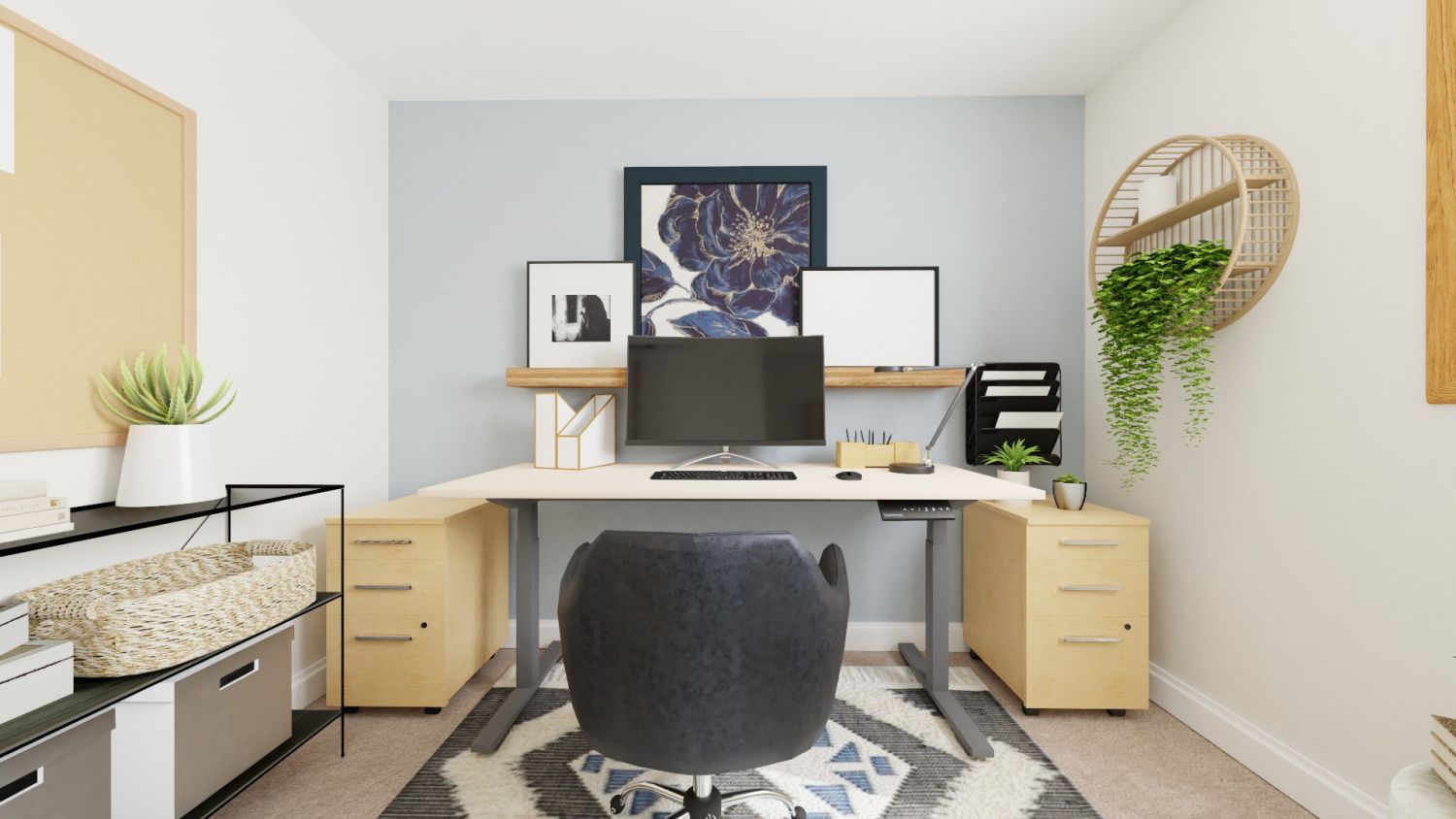
Movement is part of the equation too. Prolonged sitting — even in the nicest chair — is taxing. Many of the guides I looked at recommend alternating between sitting and standing, even if it’s just for short periods. This can mean investing in a sit-stand desk or simply using a higher surface for parts of the day and returning to a seated posture later. Regular breaks, short walks around the house, or quick stretches shouldn’t be thought of as indulgence; they’re resets that protect both the body and the mind.
Clutter is more than aesthetic. Piles of papers, tangled cables, and mismatched peripherals all demand small, subconscious mental resources. Decluttering, using cable organisers, and placing only essential tools within arm’s reach clears not just desktop real estate, but mental bandwidth too. A tidy workspace reduces visual noise and helps your brain focus on the work itself, not the disorder around it.
Then there’s the nuance of personalisation. Not everyone wants a sterile, clinical desk. Some people thrive with a handful of plants that bring a bit of nature indoors. Others prefer artwork, photos, or small objects that remind them why they’re doing what they do. Done tastefully, this doesn’t dilute efficiency — it anchors it. Your workspace becomes a place you recognise and enjoy entering every day.
Pay attention to noise and distraction too. In households where walls are thin or there’s a constant ebb of activity — appliances humming, family members talking — noise-cancelling headphones or a white noise machine can be transformative. Or you might rearrange your work hours around quieter parts of the day, even if that feels subtly transgressive at first.
One subtle reality about organising a home workspace is that it’s never really “finished.” You tweak a shelf here, swap a chair there, move the desk half a metre to the left. Each change reflects a deeper understanding of how you work and how you work best. It’s an iterative process; your workspace evolves as your tasks change and as your body and mind communicate what they need.
If there’s a throughline to all of this, it’s that comfort and productivity aren’t adversaries. They are partners. A workspace that supports your body will support your focus. A workspace that considers light, ergonomics, and personal expression invites you to settle in, think clearly, and solve the problems on your screen — and beyond — without a nagging sense of physical interruption. In the end, building a functional home workspace is as much about listening closely to your own rhythms as it is about assembling furniture and gadgets. And the pay-off is measured not in likes or views, but in the quiet satisfaction of a day’s work that didn’t wear you down.
